

Around the Clock
Configured for You
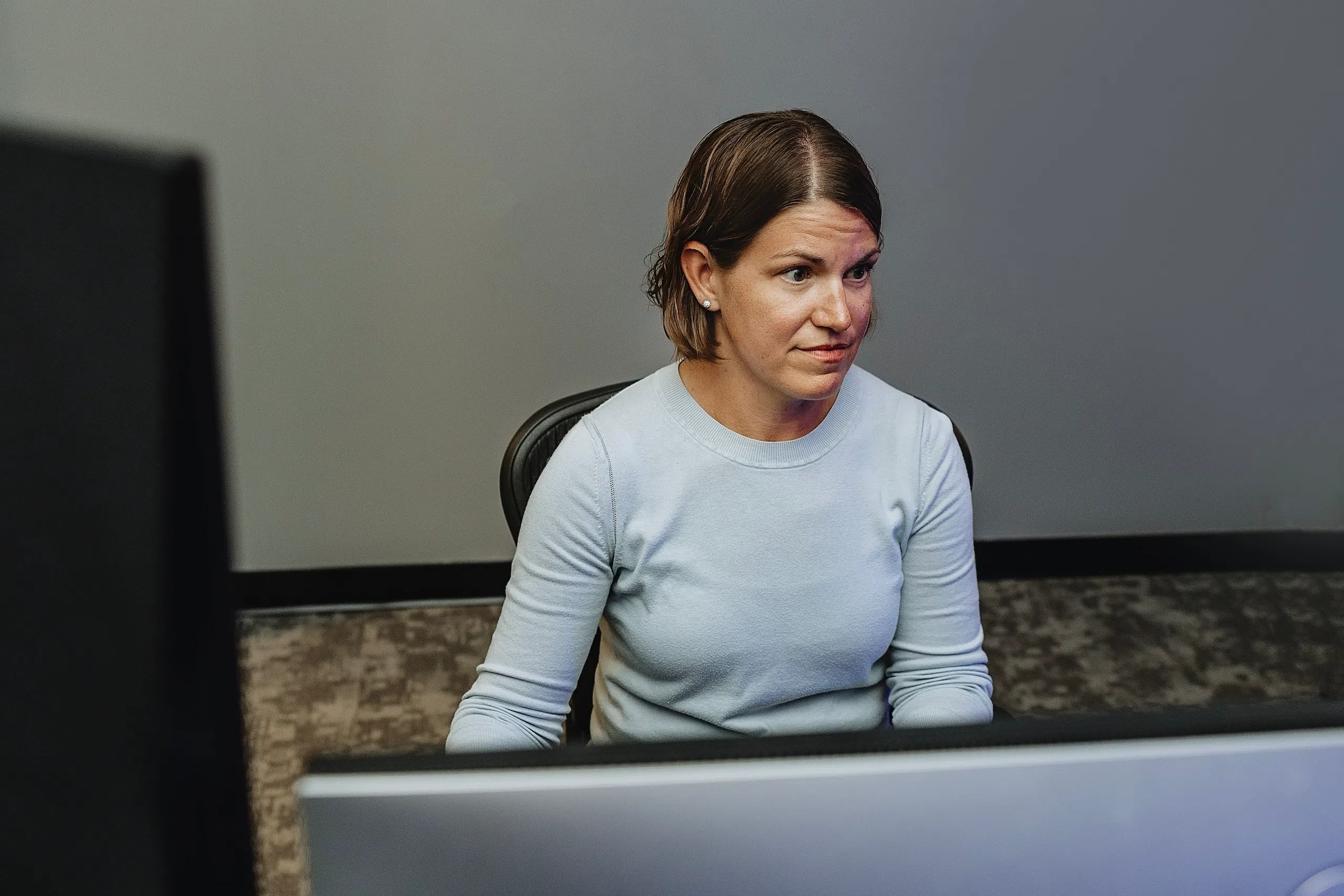
24/7 IT Support for Radiologists
In-house, U.S.-based technical support, so reading time stays protected.
From Ticket to Resolution
You Contact IT
Call the IT Service Desk or submit a ticket through the IT portal.
IT Identifies the Issue
The team quickly determines whether it is hardware, software, access, or connectivity.

Troubleshooting Begins
IT guides you to a solution, or resolves it directly on the backend.

Back Up & Running
Most issues are fixed on the spot, with a clear update if anything needs further follow-up.
Common Situations IT Team Supports
Unable to Access a Required System
IT verifies credentials, permissions, connectivity, and application status.
An Issue Appears During an Overnight Shift
Our IT Service Desk is staffed for overnight shifts, so help is one call away at any hour.
A Workstation Component Stops Working
The team troubleshoots the issue and determines whether configuration, repair, or replacement is needed.
A Problem Affects More Than One System
IT coordinates internally and communicates next steps while the issue is investigated.
How Your Support Teams Work Together

Operations
Handles live workflow, facility coordination, critical findings communication, and shift-related logistics.

Ambassadors
Provide ongoing administrative coordination, relationship support, and follow-through across teams.

Licensing & Credentialing
Handles medical licenses, facility privileges, required documents, and renewals.
Technology that Works as Hard as You Do
FAQ About IT Support
Is IT support available 24/7?
Yes, our in-house IT team is available around the clock to support every shift.
Does Real Radiology provide a home workstation?
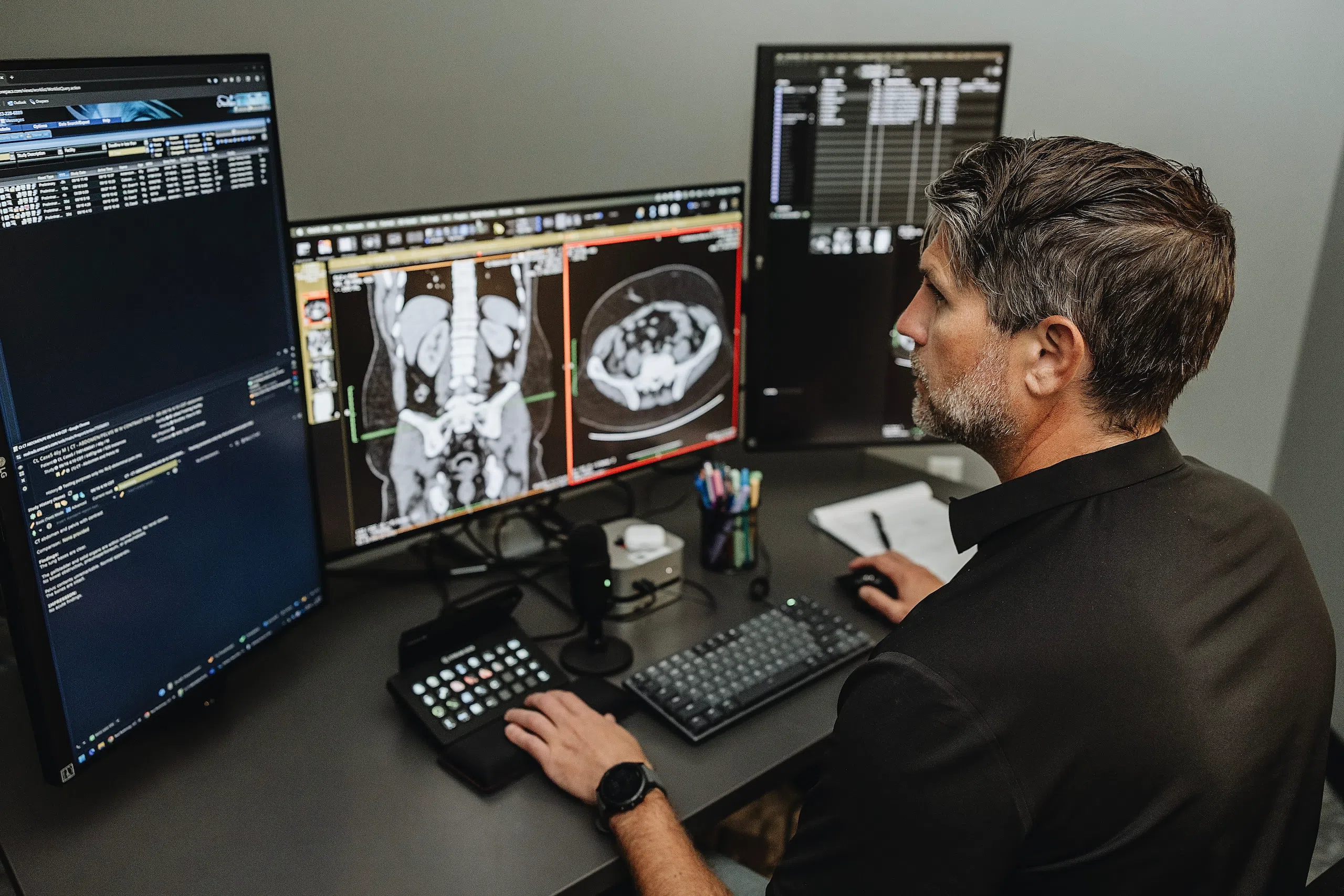
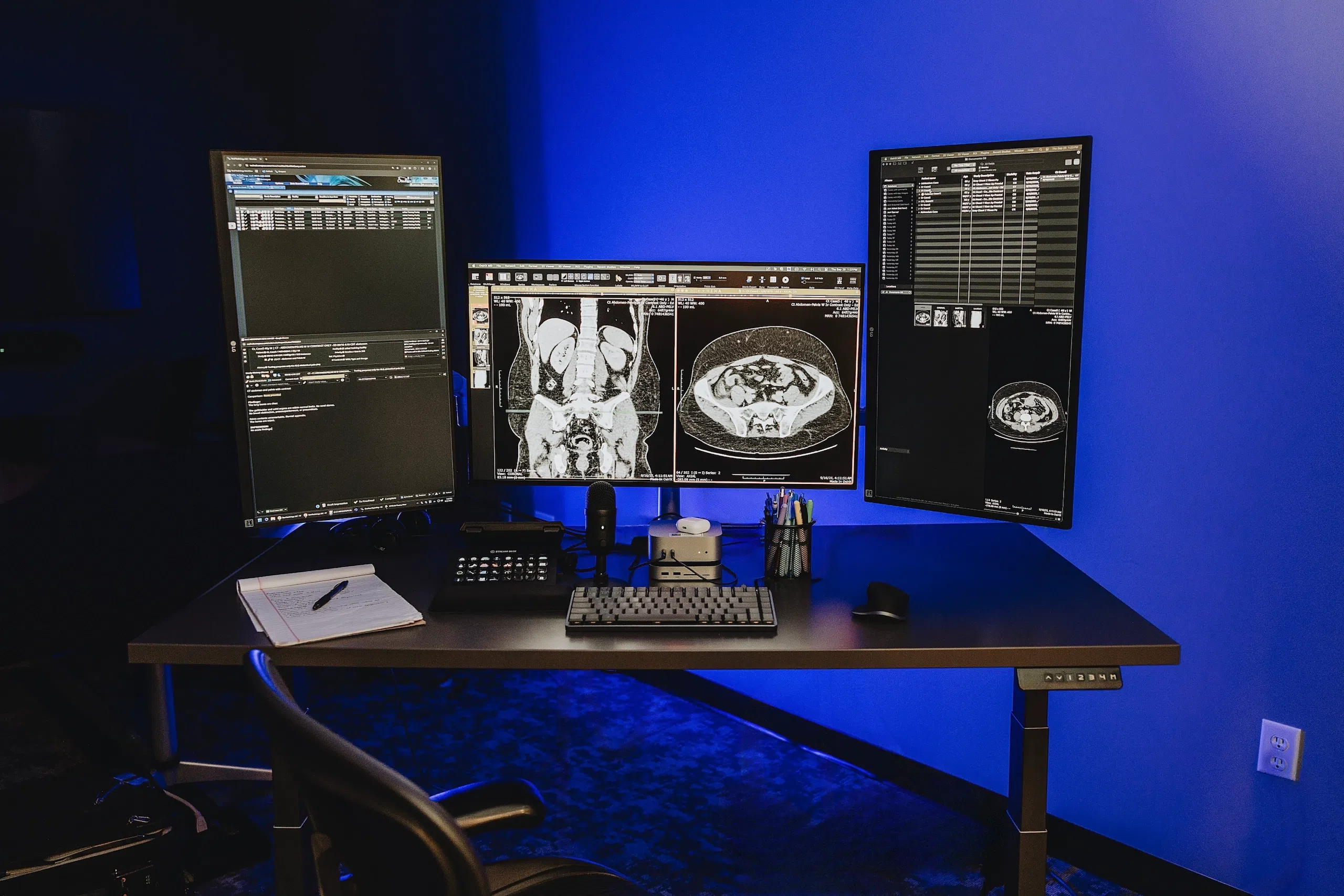
Yes, your workstation is configured and shipped to you before your first shift, with live support ready to assist as you set it up.
What technical issues can the IT team help with?
IT supports system access, workstation and hardware issues, software problems, and connectivity concerns.
What happens if equipment stops working?
IT troubleshoots the issue directly and determines whether configuration, repair, or replacement is needed.
How do I contact IT during a shift?
You can call the IT Service Desk hotline at 833.763.1887.
What is the difference between IT and Operations support?
IT handles the technical side of an issue directly, while Operations manages any workflow or facility impact during your shift.
Will I receive technical onboarding before my first shift?
Yes, you will receive both virtual and in-person onboarding to get your systems set up before your first shift.