

Visibility
Escalation Support
Real-Time Operations Support Behind Every Shift
Real-time coordination that keeps studies moving.
Operational Support for Every Shift
Before Coverage Begins
Operations confirms the right teams, workflows, and communication pathways are ready.
During Active Coverage
Operations monitors workflow, coordinates facility communication, and helps address study-related issues.
When Volume Changes
Operations tracks demand and communicates internally as coverage needs shift.
When an Urgent Issue Arises
Operations identifies the right next step and coordinates escalation.
During Shift Transitions
Operations helps maintain continuity as coverage moves between scheduled Radiologists, or as teams need support, identifying the right owner, and keeping you informed on next steps.

How Critical Findings Reach the Right Contact, Fast
Radiologist Raises the Alert
The interpreting Radiologist identifies and initiates the critical finding.
Every Outreach Documented
Operations contacts the appropriate ordering provider and documents each outreach attempt.
Escalation Path Activated
Defined escalation pathways are followed if the ordering physicians are unavailable.
Follow-Through to Completion
Operations stays involved until the communication process is complete.
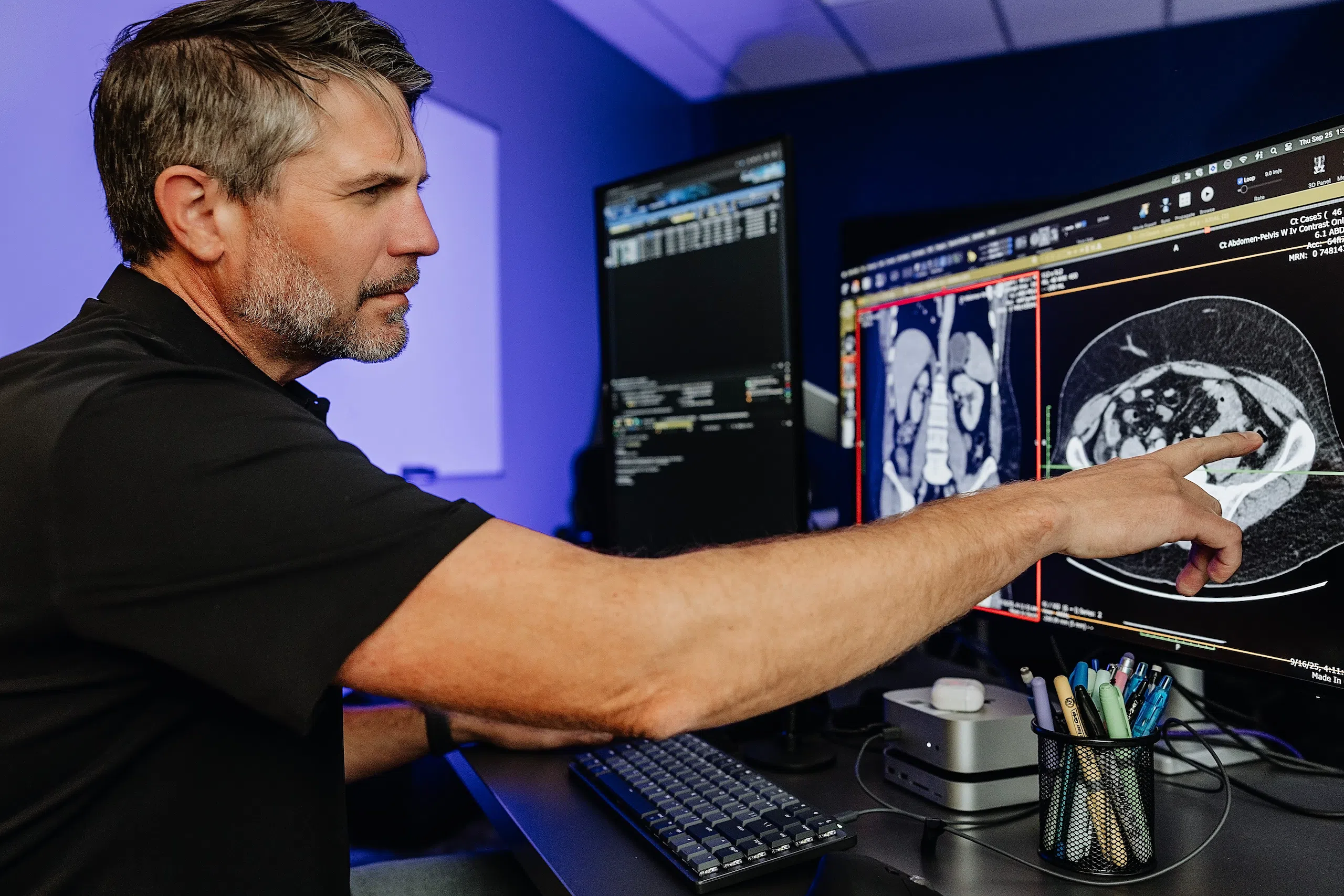

What Operations Support Looks Like in Practice
A Study Arrives without Required Information
Operations works with the facility to identify and obtain the missing information before the study continues through the workflow.
Critical Clinical Question Arises
Operations takes the lead in addressing urgent clinical inquiries, with Customer Success as additional support for non-critical or administrative questions.
Study Volume Increases Unexpectedly
Operations monitors the change and coordinates communication with the appropriate internal coverage teams.
A Time-Sensitive Concern Occurs Overnight
Operations teams are readily available to assist with any request, no matter the shift.
Operations by the Numbers
of our Ops team are Radiology Technicians
of Critical Findings are delivered in 3 minutes or less
How Your Teleradiology Support Teams Work Together

Licensing & Privileging
Coordinates physician privileging and facility requirements.

IT
Supports technical connectivity, interfaces, system performance, imaging workflows, and troubleshooting.

Customer Success
Supports the broader relationship, ongoing communication, cross-functional coordination, and evolving partnership needs.
See How Operations Supports Every Shift
FAQ About Teleradiology Operations Support
What does a teleradiology Operations team do?
Operations provides real-time support during active coverage, coordinating facility communication, resolving study and workflow issues, supporting critical findings, and managing incoming volume.
Is Real Radiology’s Operations team available 24/7?
Yes, Operations is available around the clock, including nights, weekends, and holidays.
How does Operations support critical findings communication?
Operations contacts the ordering provider, documents each outreach attempt, and follows defined escalation pathways if the ordering provider is unavailable.
What happens when a study is missing images or documentation?
Operations works directly with the facility to identify and obtain the necessary information to allow accurate reporting of the exam.
How does Operations respond when study volume increases?
Operations manages the change in real time and coordinates communication with the appropriate internal coverage teams.
What is the difference between Operations and Customer Success?
Operations manages real-time activity during active coverage, while Customer Success manages the broader partnership and ongoing relationship.
What is the difference between Operations and IT support?
Operations coordinates live coverage and facility communication, while IT handles technical connectivity, systems, and troubleshooting.
What happens when an issue involves multiple Real Radiology departments?
Operations brings in the appropriate team - IT, clinical leadership, or Customer Success - and stays involved until the issue is resolved.