

Tested, Supported
Without Disruption
Teleradiology IT Support & Secure Connectivity
Secure connections, tested before go-live, supported after.
How IT Supports Teleradiology Implementation
Technical Review
Our IT team learns your PACS, RIS, EHR, network environment, and key technical contacts.
Connectivity Configured
DICOM, HL7, VPN or secure-tunnel, report-delivery, and prior-image workflows are established.
Workflows Tested
Image transmission, order data, priors, and reports are tested end-to-end.
Go-Live Readiness Confirmed
IT coordinates with Implementation, Operations, and Customer Success before coverage begins.
Ongoing Support Continues
The configured environment is monitored and supported after go-live.

Technology Designed Around Existing Workflows
Environment Review
Our IT team reviews your existing PACS, RIS, and EHR systems before configuring anything.
Workflows Matched to Standard Operations
Best practices are prioritized to build high-performing order and report pathways, routing rules, and workflows.
Vendor Coordination
Our IT team works directly with your third-party vendors to set up necessary integrations.
Tested Before Go-Live
Every configuration is tested and validated before coverage begins.
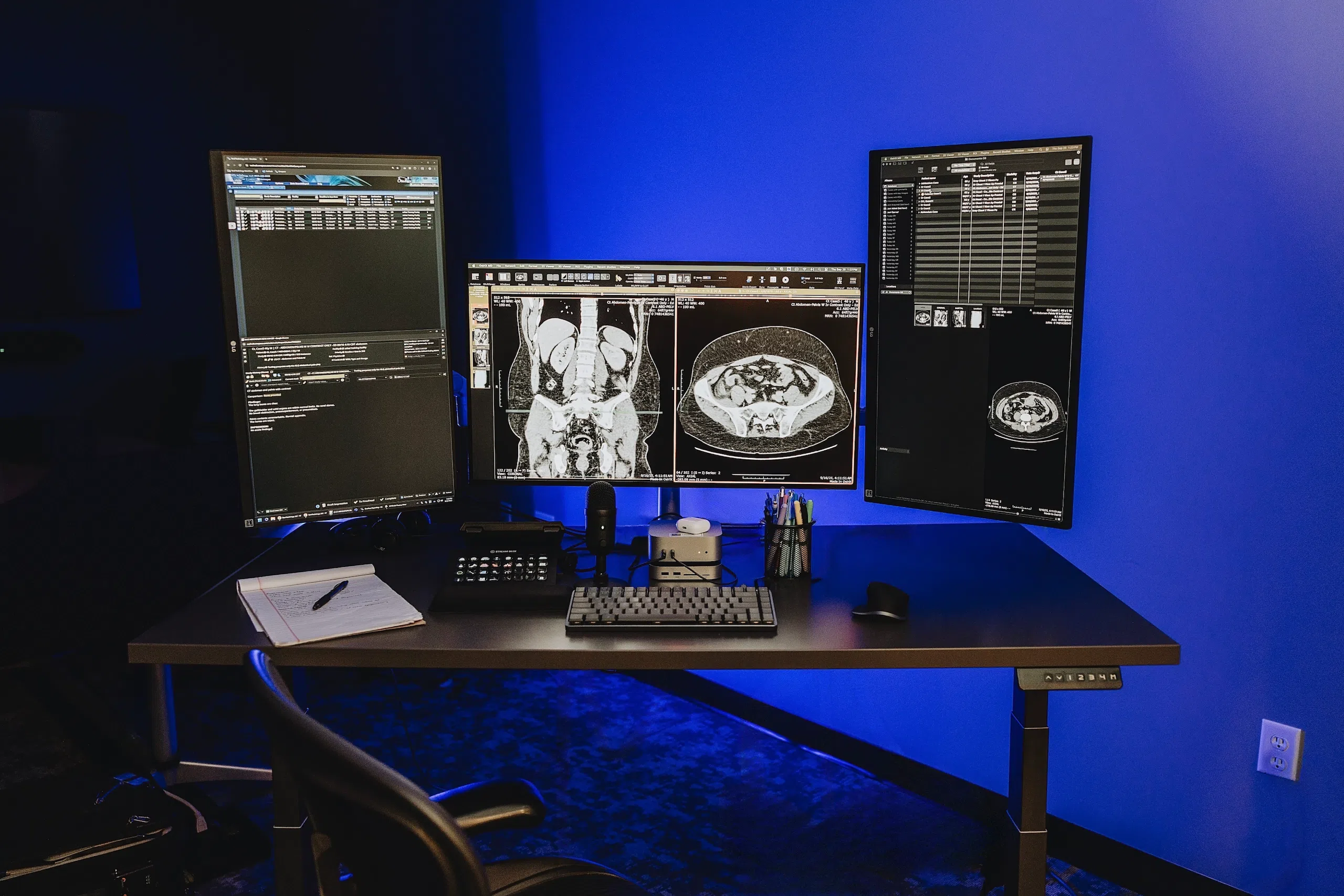

What Teleradiology IT Support Looks Like in Practice
Order Data Mismatch Detected
Our technical experts investigate HL7 messaging, interface mapping, & order data.
A New Facility Needs to Be Connected
Our in-house team reviews the new location's environment and coordinates connectivity and testing.
Reports Fail to Return to Your System
Our IT specialists review the configured report-delivery workflow and coordinate with the appropriate systems.
Your Organization Changes PACS or EHR Systems
Our technical team evaluates how the change affects existing interfaces, routing, and implementation requirements.
How Your Teleradiology Support Teams Work Together

Operations
Manages live coverage, facility communication, workflow issues, study questions, critical findings processes, and real-time escalation.

Customer Success
Manages the broader relationship, recurring communication, customer advocacy, and cross-functional follow-through.

Licensing & Privileging
Coordinates physician licenses, facility privileging, documentation, and ongoing renewals.
Build a Secure, Connected Teleradiology Workflow
FAQ About Teleradiology IT Support
What does a teleradiology IT team do?
Our IT team supports the secure technical connection between your organization and Real Radiology, coordinating imaging and data integrations, troubleshooting connectivity issues, and monitoring system performance.
Is technical support available 24/7?
Yes, our IT team is in-house and U.S.-based, and available around the clock to support your organization.
Does Real Radiology support DICOM connectivity?
Yes, our technical experts configure secure DICOM connectivity to transfer imaging studies from your PACS to Real Radiology.
Does Real Radiology support HL7 interfaces?
Yes, our IT specialists support applicable HL7 order and result messaging between your systems and Real Radiology's.
Can reports be returned directly to our system?
Yes, our in-house team helps configure final report delivery through supported interfaces and workflows.
Can Real Radiology retrieve prior images and reports?
Yes, our IT team supports available workflows for retrieving relevant prior studies and reports.
What secure connectivity options are available?
Real Radiology supports encrypted tunnels, VPNs, and other approved connection methods depending on your environment.
How does Real Radiology protect patient data?
Real Radiology combines HIPAA-aligned data handling, encrypted connectivity, access controls, and ongoing monitoring to safeguard protected health information.
Who should we contact if images are not transmitting?
You can reach out on our clinical operations line and they will route the issue directly to our technical experts for troubleshooting.
Can IT support the addition of a new facility?
Yes, our technical team reviews the new location's environment and coordinates the connectivity and testing needed to bring it online.
What is the difference between IT and Operations?
Our IT team manages the technical connection - connectivity, interfaces, and system performance - while Operations manages live coverage and facility communication.